HDMI 2.1 Cables UK 2026 — Top 5 Options and Buying Guide
Published on Monday, 26 January 2026
HDMI 2.1 cables are the current standard for connecting modern TVs, consoles and AV equipment, delivering the bandwidth and features needed for today and tomorrow. In the UK market these cables are popular with gamers, home cinema enthusiasts and anyone upgrading to 4K at high frame rates or exploring 8K content. HDMI 2.1 supports features such as 4K at 120 Hz, 8K at 60 Hz, variable refresh rate (VRR), automatic low latency mode (ALLM) and enhanced audio return channel (eARC). UK consumers increasingly prioritise futureproofing, reliable certification and the right cable length for their living rooms and media racks. That means many buyers choose certified Ultra High Speed cables or active cables for longer runs, preferring well tested brands that balance performance, durability and value.
Top Picks Summary
Belkin Ultra High Speed HDMI 2.1 Cable
Belkin's Ultra High Speed HDMI 2.1 cable is positioned as a market leader because of its premium build quality, strict 48 Gbps performance and strong compatibility with consoles and high-end displays; it commands a higher price but offers reassurance through a recognized brand and retail support. Compared with the other cables on this list, Belkin trades off cost for broad retail availability and perceived warranty/reliability advantages, making it a go-to for buyers who prefer a mainstream, store-backed option for HDMI 2.1 setups.
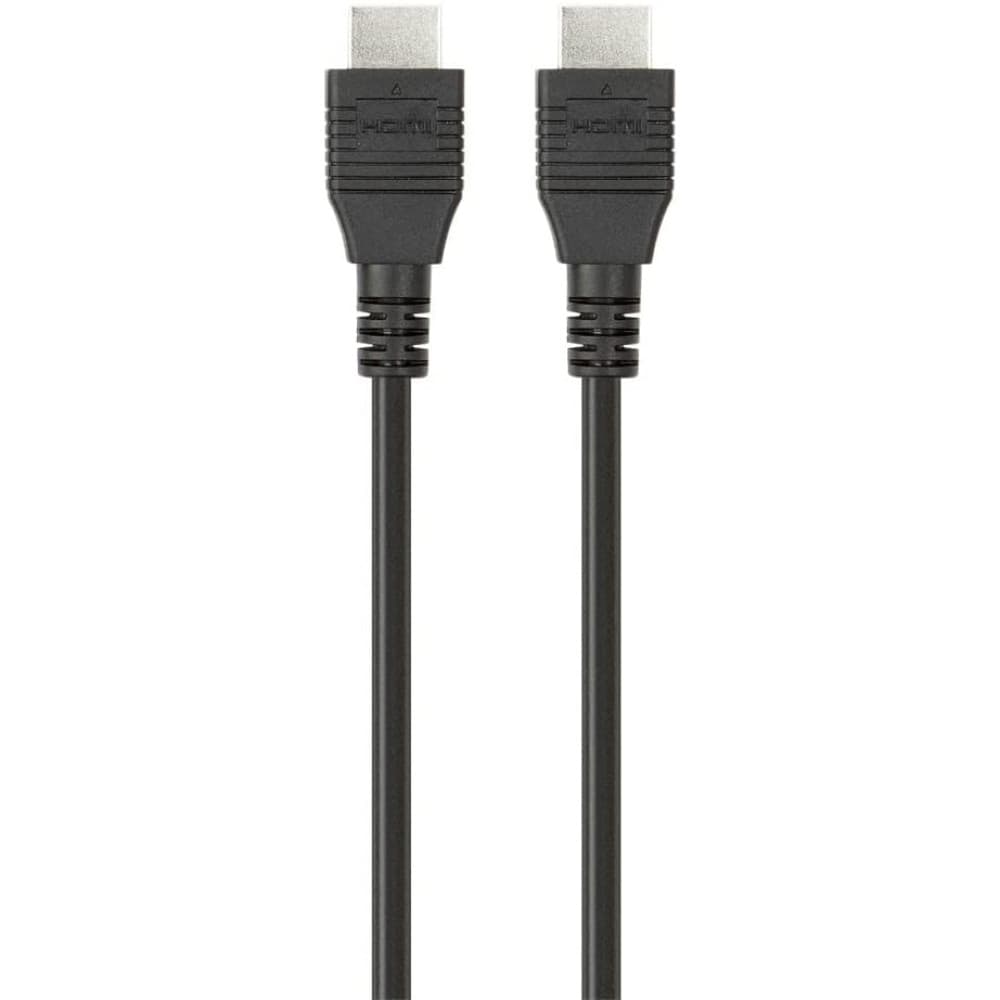
Cable Matters 48Gbps Ultra HD HDMI Cable
Cable Matters delivers a best-in-class value proposition by providing certified 48 Gbps HDMI 2.1 performance at a significantly lower price point than premium brands while still supporting 8K60 and 4K120 features. Against the other products here, it stands out for its price-to-performance balance—offering many of the same technical capabilities as higher-priced Belkin and AudioQuest models but targeting budget-conscious buyers and installers who want dependable HDMI 2.1 throughput without premium branding.

AudioQuest Pearl 48 HDMI Cable
The AudioQuest Pearl 48 is the audiophile-leaning choice among HDMI 2.1 cables, combining 48 Gbps bandwidth with upgraded materials and tighter attention to noise rejection for home theater enthusiasts willing to pay more for perceived sonic and video fidelity. Compared with Belkin, Cable Matters and the value-focused brands, the Pearl emphasizes premium construction and retail positioning for AV aficionados, offering boutique-level finishing and a higher price that buyers accept for perceived long-term performance and brand prestige.
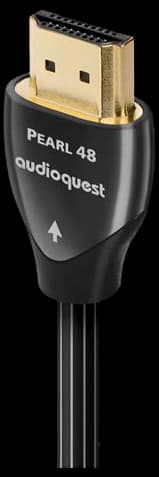
Zeskit Maya 8K HDMI Cable
Zeskit's Maya 8K cable is notable for being explicitly tested and positioned as a certified 48 Gbps HDMI 2.1 solution, giving buyers confidence in real-world compatibility for 8K and high-refresh 4K workflows at a mid-range price. Compared to the list's other options, Maya differentiates itself with transparency around certification and conformance testing—offering a sweet spot between the low-cost UGreen/Cable Matters alternatives and the premium Belkin/AudioQuest offerings for users who prioritize verified specs.

UGreen 8K HDMI 2.1 Cable
UGreen's 8K HDMI 2.1 cable is the budget champion, delivering advertised 48 Gbps capability and 8K/4K120 support at the lowest price tier, making it ideal for cost-sensitive users who still need HDMI 2.1 features. Versus the other cables here, UGreen sacrifices some premium materials and brand cachet for affordability, but it often matches practical performance for many home setups and is a sensible choice when price is the primary constraint.

Why HDMI 2.1 Works: Standards and Evidence
The benefits of HDMI 2.1 are rooted in the HDMI Forum specification and in real world testing. The specification raises maximum bandwidth and defines the features that enable high frame rates, improved HDR handling and higher audio fidelity. Independent lab tests and manufacturer compliance testing help consumers understand how cable length, construction and active signal boosting affect real performance. This evidence base explains why certified cables and proper installation matter for a trouble free experience.
HDMI Forum specification: HDMI 2.1 supports up to 48 Gbps, enabling 4K at 120 Hz and 8K at 60 Hz when the source and display both support those modes.
Cable length and type: Passive Ultra High Speed cables reliably carry full bandwidth for shorter lengths (typically up to around 3 to 5 metres in many lab tests); active or optical HDMI cables are recommended for longer runs to preserve signal integrity.
Feature verification: Independent testing shows features such as VRR, ALLM and eARC depend on end device compatibility as well as cable capability, so a certified cable alone does not guarantee feature availability.
Shielding and interference: Studies of electromagnetic interference and signal attenuation demonstrate that better shielding, tighter conductor tolerances and quality connectors reduce errors and improve long term reliability.
Certification matters: Cables labeled Ultra High Speed or carrying recognised certification have been tested for required throughput and reduced risk of handshake and bandwidth problems.
Practical trials: Consumer and technical reviews in the UK and internationally highlight that reputable brands and tested cables reduce setup time and troubleshooting for gaming consoles, PCs and AV receivers.
Frequently Asked Questions
Which HDMI 2.1 cable should I buy for my gaming console?
The Belkin Ultra High Speed HDMI 2.1 Cable is the ideal choice for gamers because it offers certified 48Gbps bandwidth and a durable braided jacket designed for long-term, lag-free performance with high-end consoles.
Does the Cable Matters 48Gbps cable support 4K at 120Hz?
Yes, the Cable Matters 48Gbps Ultra HD HDMI Cable is fully certified to support 4K at 120Hz and 8K at 60Hz signal delivery for your display.
Is the Cable Matters HDMI cable cheaper than the Belkin option?
The Cable Matters 48Gbps Ultra HD HDMI Cable provides a more affordable value proposition compared to the Belkin Ultra High Speed HDMI 2.1 Cable, while still delivering the same certified 48Gbps performance.
What is the average customer rating for the AudioQuest Pearl 48?
The AudioQuest Pearl 48 HDMI Cable holds an average customer rating of 4.4 out of 5 stars, reflecting its focus on high-end shielding and noise dissipation for home cinema enthusiasts.
Conclusion
In short, HDMI 2.1 cables are key to unlocking high frame rate gaming, advanced HDR and improved audio for modern home entertainment systems in the UK. We hope you found the overview helpful. If you want to refine results, try filtering by cable length, certification (Ultra High Speed), active versus passive construction, or specific brands to find a cable that fits your setup.