Dual Monitors — UK Guide 2026 (Top 5 Picks)
Published on Monday, 26 January 2026
Dual monitors are a practical and widely adopted setup that places two displays side by side to expand screen space for work, creative tasks, gaming and multitasking. In the UK market of 2026, demand is driven by hybrid and home working patterns, tighter desk footprints in urban homes, and growing adoption of USB-C docks and energy-efficient panels. Consumers in the UK choose dual-monitor setups for improved productivity, easier reference between documents, and better workflow for tasks such as coding, spreadsheet work, video editing and trading. Key buying considerations include screen size (commonly 24 to 32 inches), resolution, panel type (IPS vs VA), ergonomics and mount compatibility, connectivity (USB-C, DisplayPort, HDMI) and power efficiency.
Top Picks Summary
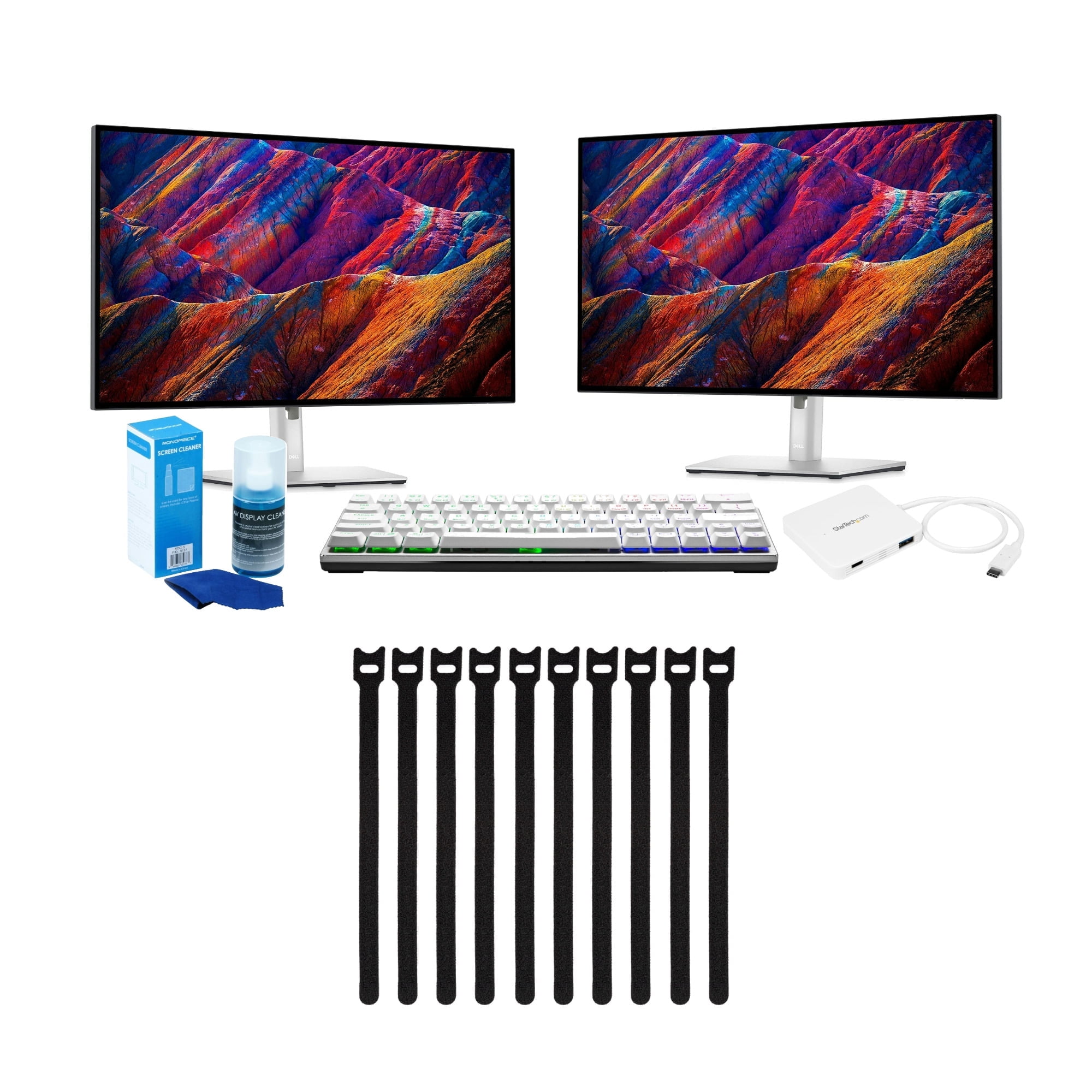
Dell UltraSharp U2723QE
The Dell UltraSharp U2723QE stands out as the best-in-class choice for dual-monitor productivity, offering a 4K IPS Black panel, excellent factory color calibration, plentiful ports including USB-C with power delivery and an integrated KVM to streamline multi-display setups. Compared with the other monitors on this list it commands a premium price but delivers superior uniformity, port consolidation and ergonomic adjustability that reduce cable clutter and total system cost in professional dual-monitor deployments.
LG 27UK850-W
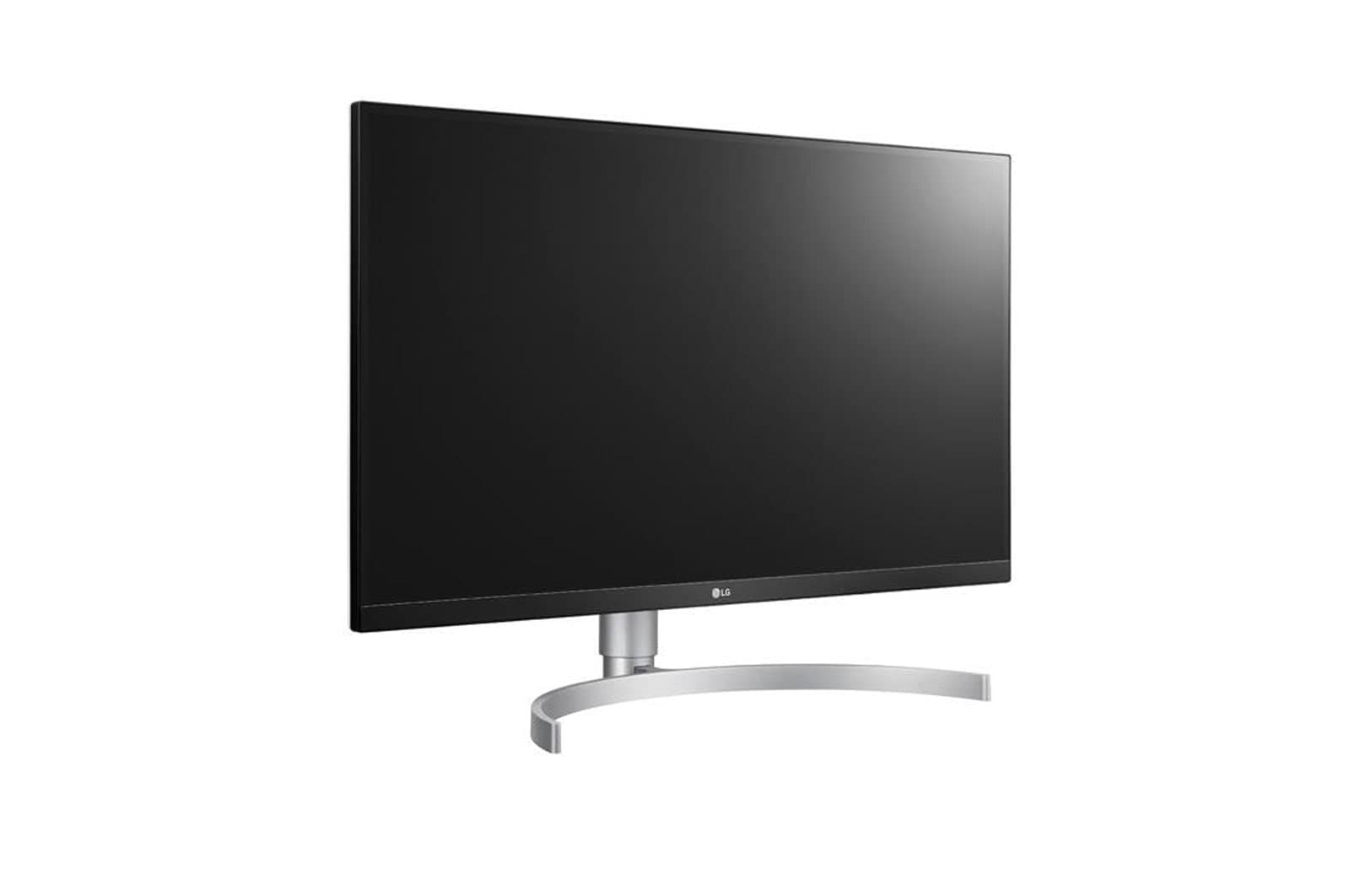
The LG 27UK850-W is a market-leading, budget-friendly 4K option for dual-monitor users who want USB-C power delivery and solid color performance without the UltraSharp price tag. While it lacks some of Dell's pro-level uniformity and extra port density, its lower cost makes it an attractive choice for home office and content-creator dual-display setups that prioritize resolution and connectivity over enterprise feature sets.
Samsung Odyssey G5 C27G55T
The Samsung Odyssey G5 C27G55T excels in dual-monitor gaming and high-refresh workflows with a pronounced 1500R curve and 144Hz refresh rate, delivering immersive motion performance at a competitive price point. It trades off some color accuracy and pro-grade ergonomics found in the IPS-based models like Dell and BenQ, but its value-per-performance for gaming-focused dual displays is hard to beat when refresh rate and immersion matter most.

ASUS ProArt PA278QV
The ASUS ProArt PA278QV is tailored for creators building dual-monitor workflows, offering a 1440p IPS panel with factory calibration and professional controls at a very competitive price. Compared to the Dell UltraSharp it typically delivers similar color fidelity for less money but with fewer ports, making it a cost-effective middle ground for designer-focused dual-monitor setups.
BenQ PD2705Q
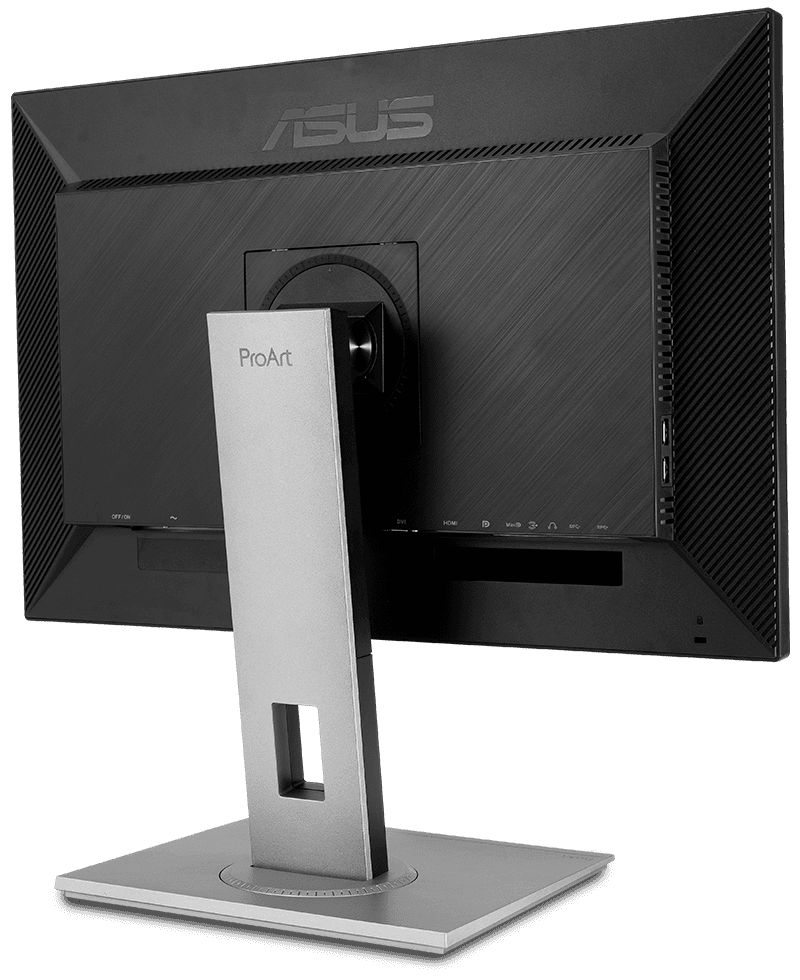
The BenQ PD2705Q balances professional-grade color accuracy, eye-care features and flexible connectivity to serve designers and long-session office users assembling dual-monitor workstations. It generally positions itself between ASUS and Dell on price, offering more visual comfort and creator-oriented tools than gaming-centric options like the Samsung while remaining more affordable than full-premium UltraSharp models.

What research shows about dual monitors
Academic and industry research in human-computer interaction and occupational ergonomics has examined how additional screen space affects performance, comfort and task flow. Studies typically find that having two screens reduces the need to switch windows, makes information comparison faster and can shorten task completion time for many knowledge-work tasks. Ergonomics research also emphasises correct monitor placement to reduce neck and eye strain. The benefits depend on task type, user habits and how the displays are arranged and configured.
Productivity gains: Multiple studies and workplace reports commonly show improvements in task efficiency and speed for information-heavy tasks, with typical reported gains often in the range of 10 to 30 percent depending on task complexity and measurement method.
Reduced context switching: Extra screen area lowers the frequency of switching between windows and applications, which helps maintain cognitive flow for tasks that require simultaneous reference or monitoring.
Ergonomics matters: Proper alignment, height and tilt reduce neck and shoulder strain. Research in occupational health stresses monitor positioning, screen distance and appropriate seating to realise ergonomic benefits.
Task dependence: Gains are greatest for tasks that require simultaneous access to multiple documents or applications. For focused single-window tasks, two monitors may offer little benefit and can sometimes increase distraction.
Energy and environmental trade-offs: Dual displays use more power than a single screen; selecting energy-efficient panels and managing brightness can reduce running costs and environmental impact.
Frequently Asked Questions
Which monitor should I buy for dual-work productivity?
Choose the Dell UltraSharp U2723QE if you want dual-monitor productivity: it has a 27-inch 4K IPS Black panel, USB-C docking with 90W power delivery, and an integrated KVM, with an average rating of 4.7.
Does the Dell UltraSharp U2723QE have USB-C power delivery?
Yes—Dell UltraSharp U2723QE includes built-in USB-C docking with 90W power delivery, plus Ethernet and daisy-chaining, and it has an average rating of 4.7.
Is the LG 27UK850-W better value than the Dell?
The data shows Dell UltraSharp U2723QE is rated 4.7, while LG 27UK850-W is rated 4.4; however, no prices are provided for either, so I can’t compare value using cost.
Is Samsung Odyssey G5 C27G55T good for dual gaming?
Yes—the Samsung Odyssey G5 C27G55T is designed for dual-monitor gaming, with a 27-inch 1440p VA curved display, 144Hz refresh rate, and 1ms MPRT; it has an average rating of 4.3.
Conclusion
This page summarises the Dual Monitors category for UK buyers in 2026 and explains the main benefits and buying considerations. We hope you found the guidance useful. If you want to refine or expand your search—by screen size, connectivity, panel type or use case—use the search to narrow results or explore related categories.