

Premium OLED Monitors for Creative Work in the UK: Expert Selection for 2025
If you're a graphic designer, video editor, or digital artist working in the UK, selecting the right monitor can fundamentally transform your creative output. OLED technology has revolutionised the professional workspace, delivering uncompromising colour fidelity and contrast that traditional LCD displays simply cannot match. This guide explores five exceptional OLED monitors specifically chosen for their suitability to demanding creative workflows in 2025. Whether you're grading footage in darkened studios, designing complex layouts, or producing detailed digital artwork, these displays offer the precision and visual integrity that modern creative professionals demand. Each model featured has been evaluated for its ability to maintain colour accuracy across extended working sessions, minimise visual fatigue during long hours at the desk, and deliver the technical specifications that professional-grade software requires. The investment in a quality OLED monitor isn't merely about aesthetics—it's about having absolute confidence in the colours you're producing and ensuring that what you create on screen translates accurately to print, web, or broadcast. Modern OLED panels respond to pixels individually, enabling deeper blacks and more vibrant colours than ever before, whilst their rapid refresh rates and minimal response times benefit motion-heavy work such as animation and video editing. We've compiled this selection to help you navigate the growing market and identify the monitor that best aligns with your specific creative discipline and budget constraints.
Inception's AI took the time to understand this market in the UK · · How we pickWe may earn a commission on purchases. It never affects our rankings.
Top Picks Summary
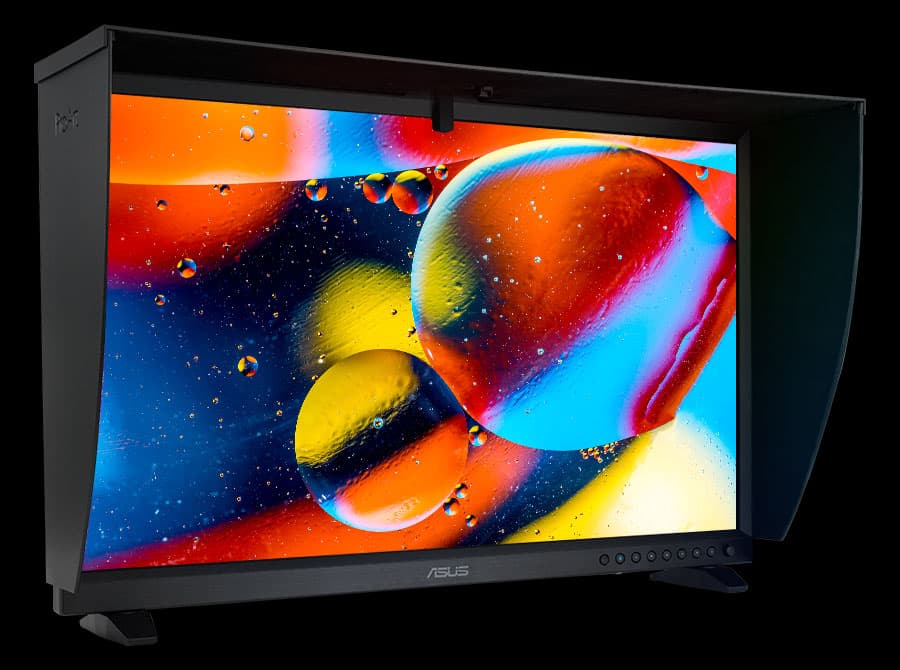
ASUS ProArt Display PA32DC
The ProArt Display PA32DC earns its place as a top choice for UK creative professionals by pairing OLED contrast with ProArt calibration tools, delivering deep blacks and precise color out of the box that make it ideal for HDR and video grading. Compared with the LG UltraFine OLED Pro it competes closely on pure contrast but often undercuts it on value and offers a distinct ASUS calibration/workflow integration; against the Dell, BenQ and smaller ASUS ProArt models it stands out technically for per-pixel contrast and HDR handling while carrying a premium that’s typically justified by creative studios focused on motion and high-dynamic-range work.
Estimated£2,500 – £3,500
LG UltraFine OLED Pro 32EP950
The UltraFine OLED Pro 32EP950 is the market-leading reference for colour-critical work in 2025, offering class-leading OLED uniformity and factory calibration that make it the go-to for colourists and retouchers in the UK. It is generally the most expensive option on this list but justifies the price with near-reference accuracy and long-term reliability; compared to ASUS’s OLED offering it often wins on out-of-box calibration and panel uniformity, while the Dell and BenQ models remain attractive alternatives when connectivity or budget are higher priorities.

We may earn a commission on purchases. It never affects our rankings.
Estimated£2,000 – £3,000
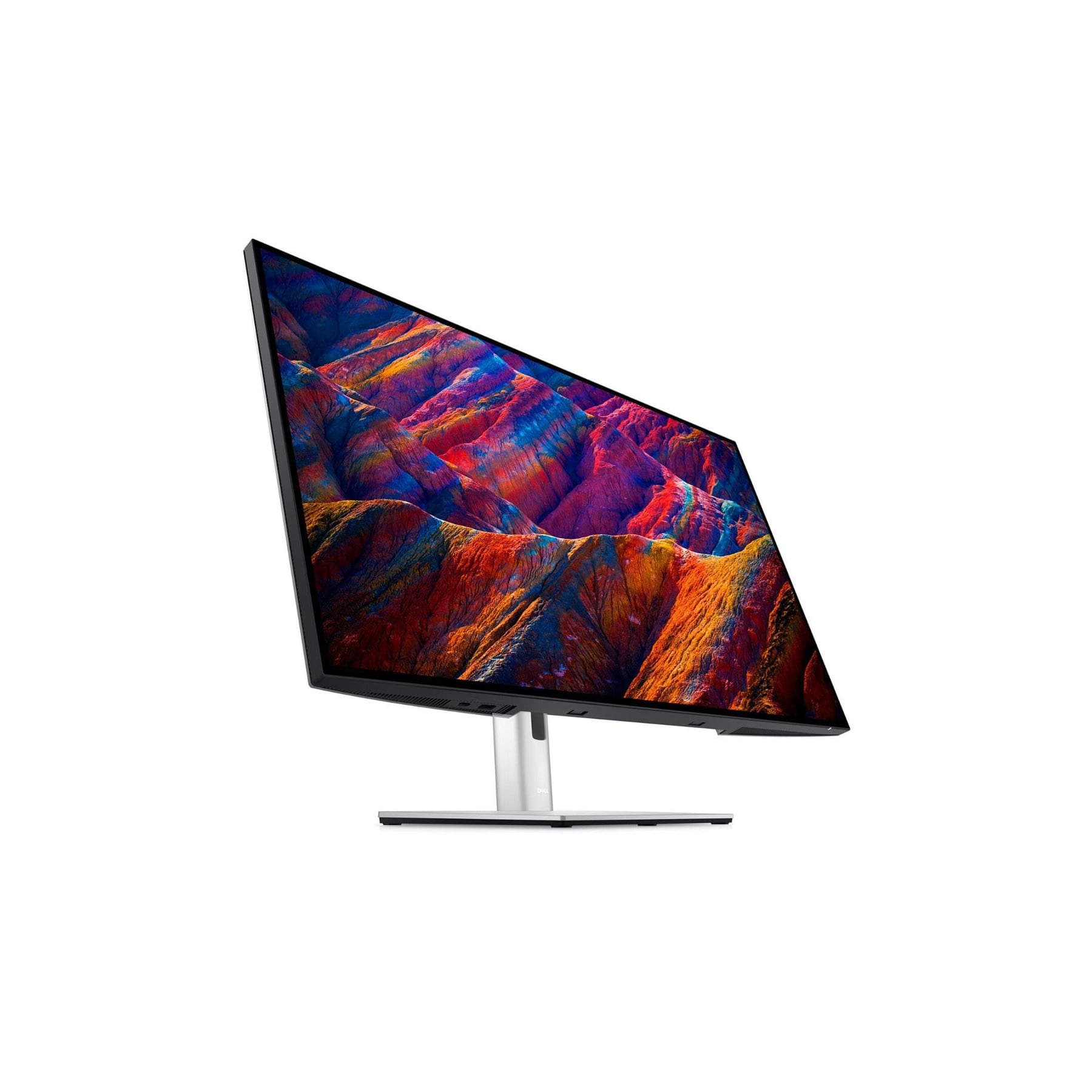
Dell UltraSharp 32 4K USB-C Hub Monitor U3223QE
The UltraSharp 32 4K USB-C Hub Monitor U3223QE is the pragmatic choice for creative professionals who prioritise connectivity and workstation integration over OLED contrast, combining excellent 4K imaging with a full-featured USB-C hub and competitive pricing for UK buyers. While it doesn’t reach the black-levels of the OLED entries, it offers superior value for multi-device studios and freelancers by collapsing docking, Ethernet and downstream ports into a single display solution, making it financially attractive compared with the higher-cost OLED monitors for teams that need streamlined workflows.
Estimated£900 – £1,200
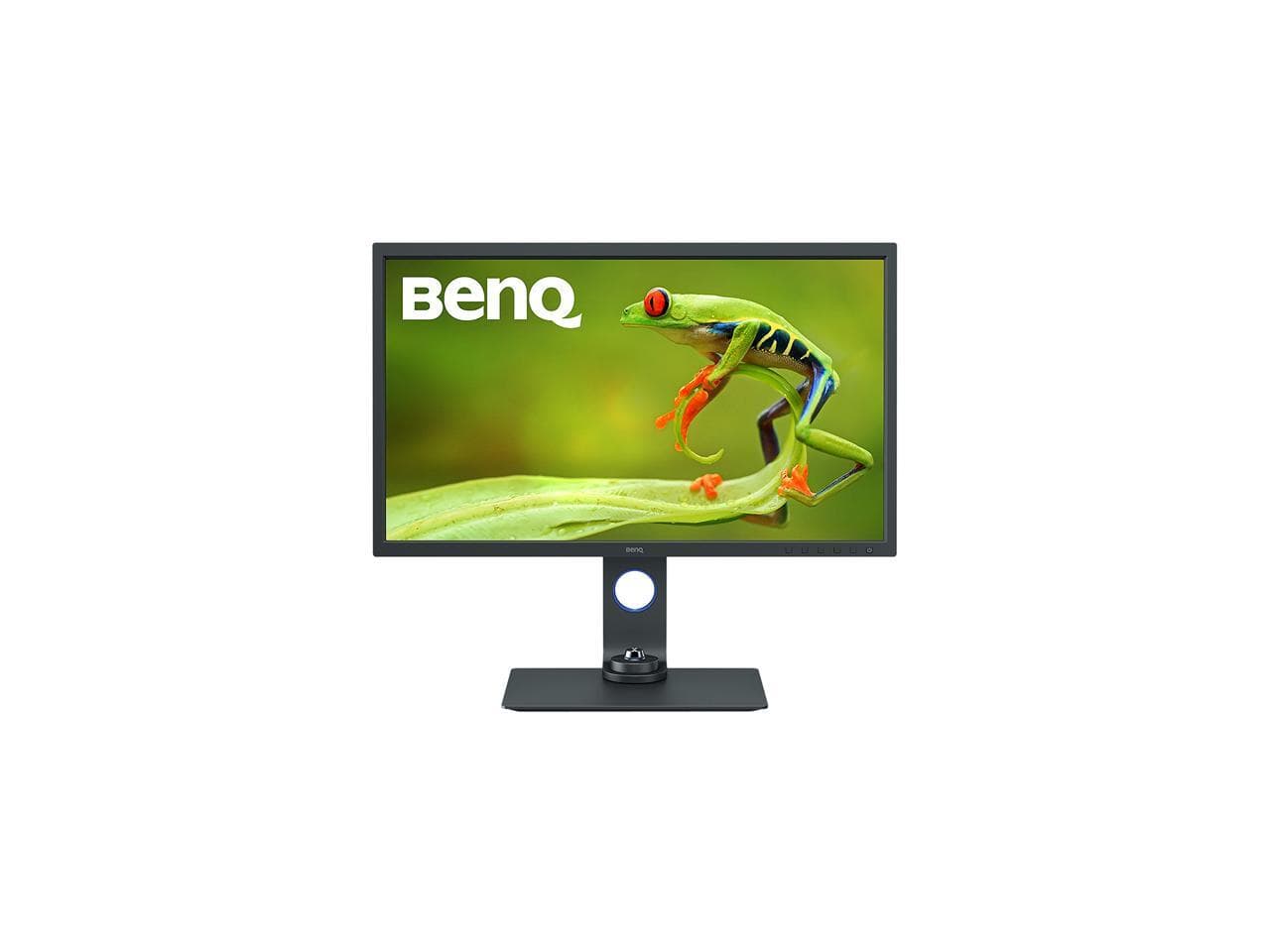
BenQ SW321C
The SW321C remains a photographer-focused favourite thanks to its rigorous colour management, hardware calibration and paper/print emulation modes that give print-focused creatives predictable results in the studio. Although it uses an IPS architecture rather than OLED, it competes strongly on price-to-accuracy for still-image work and often costs less than the OLED leaders while delivering reliable shadow detail and colour fidelity, making it a smart choice for photographers who value calibrated output over absolute contrast.
Estimated£1,200 – £1,600
ASUS ProArt Display PA279CRV
The ProArt Display PA279CRV is the compact, budget-conscious pick for content creators who need ProArt-class colour accuracy in a 27-inch form factor, offering factory calibration and versatile ergonomics that suit small studios and home offices in the UK. It cannot match the OLED models for peak contrast or HDR nuance, but its lower cost and excellent colour calibration deliver strong financial value for designers and illustrators who prioritise colour fidelity and desk space over cinematic black levels.
-600x800.jpg&w=3840&q=75)
Estimated£450 – £700
These five OLED monitors stand out for their exceptional colour accuracy (covering 99% of Adobe RGB or DCI-P3 colour spaces), outstanding contrast ratios, professional calibration tools, and build quality designed to withstand years of intensive use. Each display features comprehensive connectivity options, height-adjustable stands, and software ecosystems that integrate seamlessly with professional creative applications used throughout the UK design and production industry.
Why Choose OLED Productivity Monitors?
OLED monitors have risen to the forefront of technology due to their extraordinary benefits, particularly for those in creative fields. Here's how they can enhance your workflow:
Spectacular colour accuracy: OLED monitors offer true-to-life colors, allowing designers to work with the exact shades needed for their projects.
Exceptional contrast ratios: With deeper blacks and brighter whites, it's easier to notice fine details and gradients in your design work.
Wide viewing angles: Unlike traditional monitors, OLED screens maintain clarity and colour integrity from different angles, ensuring a consistent viewing experience.
Reduced eye strain: The nature of OLED technology emits less blue light, making extended periods of screen time more comfortable for your eyes.
Faster response times: Ideal for video editing and motion graphics, OLED monitors have quicker pixel transitions, preventing motion blur during high-action sequences.
Energy efficient: OLED technology consumes less power compared to conventional displays under certain conditions, benefiting both the environment and your electricity bill.
Frequently Asked Questions
Which OLED monitor should I pick for photo grading?
Choose the LG UltraFine OLED Pro 32EP950 for colour-critical photo grading because it’s described as the go-to reference with factory calibration, supports hardware calibration and LUT management, and has an average rating of 4.6.
What panel size and resolution does ASUS ProArt PA32DC use?
ASUS ProArt Display PA32DC uses a 32-inch 4K OLED panel, with true blacks, extreme contrast, and smooth gradients, plus factory calibration with hardware calibration support and wide DCI-P3/Adobe RGB coverage.
Is Dell U3223QE better value than OLED options here?
Dell UltraSharp 32 4K USB-C Hub Monitor U3223QE is positioned as the pragmatic, competitive-price option with a 31.5-inch 4K (IPS Black) panel and a built-in USB-C hub with high-wattage power delivery; this page lists it at 4.4.
Does LG UltraFine OLED Pro 32EP950 include hardware calibration?
Yes—LG UltraFine OLED Pro 32EP950 supports hardware calibration and LUT management for consistent colour across projects, and it includes pro-grade inputs and presets for photography, video, and print workflows; it’s rated 4.6.
Conclusion
Selecting an OLED productivity monitor represents a significant investment in your creative workspace, yet the returns in terms of accuracy, efficiency, and visual confidence are substantial. The monitors outlined in this guide represent the current pinnacle of display technology available to UK-based professionals, each excelling in specific areas of creative work. Beyond the obvious visual advantages, investing in a high-specification OLED display demonstrates a commitment to your craft and signals to clients that you take precision seriously. The reduction in eye strain during demanding working sessions means you can maintain focus and productivity throughout the day without the fatigue associated with inferior displays. As creative industries become increasingly competitive, having the right tools—including a genuinely professional monitor—provides a tangible edge. We encourage you to assess your particular workflow requirements, consider the physical space where the monitor will sit, and evaluate which of these options offers the best alignment with your existing setup. Should you require additional technical information or have specific questions about compatibility with your current equipment, our comprehensive search tools are available to help you find detailed specification comparisons and user feedback from fellow creative professionals.