

USB-C Monitors UK 2026 — Top 5 Picks (Selection Undefined)
USB-C monitors combine video, data and power in a single cable, making them a popular choice for UK buyers who want a cleaner desktop, fast laptop docking and reliable charging without extra adapters. In 2026 the category continues to appeal to home workers, hybrid professionals and creative users because of plug-and-play convenience, widespread laptop compatibility with USB-C Power Delivery and DisplayPort Alt Mode, and better support for multi-monitor setups. UK consumers often prioritise resolution, colour accuracy, power delivery wattage, port variety and retailer support when choosing a USB-C monitor. Sustainability and energy efficiency also influence purchase decisions as buyers look to reduce cable clutter and e-waste by moving away from proprietary chargers.
Inception's AI took the time to understand this market in the UK · · How we pickWe may earn a commission on purchases. It never affects our rankings.
Top Picks Summary
Dell UltraSharp U2723QE
The Dell UltraSharp U2723QE stands out in the USB-C monitor category as a premium, all-in-one 27-inch 4K option with a robust USB-C docking feature set, higher upstream power delivery and built-in KVM functionality that make it ideal for power users and multi-device workflows. Compared with the other models on this list, the U2723QE leans more toward technical completeness and enterprise-ready connectivity at a higher price point, offering better on-screen uniformity and docking convenience than more value- or creator-focused rivals.

Estimated£600 – £800
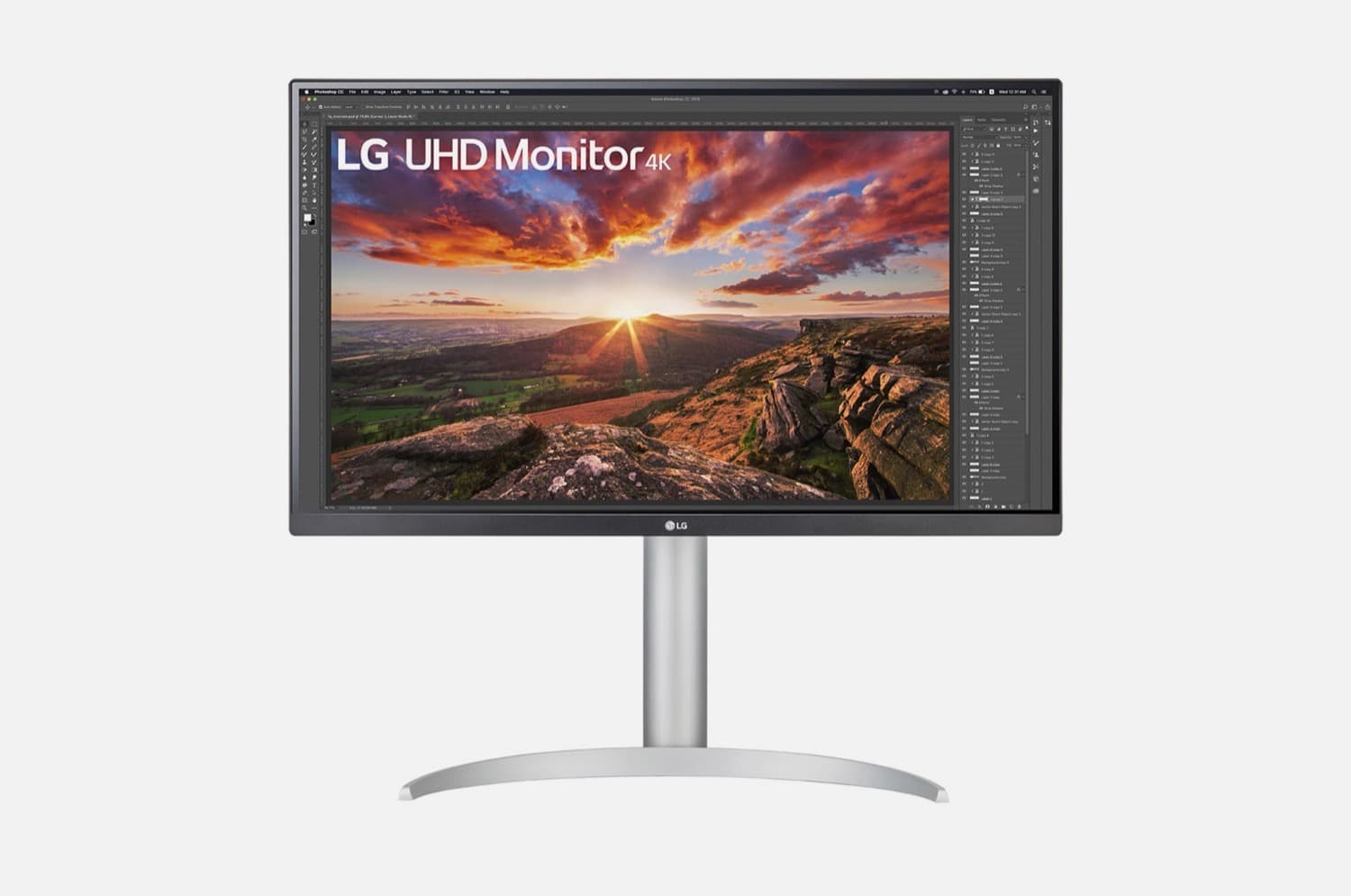
LG 27UP850-W
The LG 27UP850-W is positioned as a strong value-oriented USB-C monitor that balances 4K resolution, wide color support and reliable USB-C single-cable convenience for creators who don’t need top-tier docking features. Financially it undercuts the premium Dell and some designer-centric models while still delivering competitive color performance and ergonomics, making it a smart mid-range choice for users who want good color and HDR-like capabilities without the highest-end price.
Estimated£400 – £500
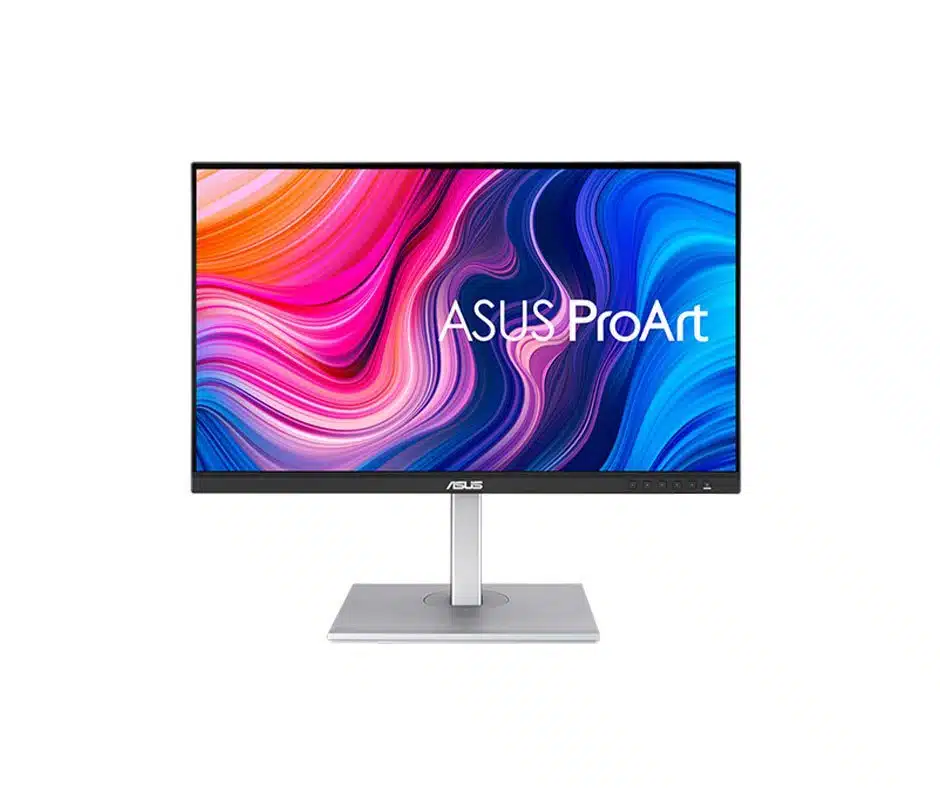
ASUS ProArt PA279CV
The ASUS ProArt PA279CV targets creators who prioritize factory-calibrated color accuracy and uniformity in a USB-C monitor, pairing color-critical performance with creative-oriented connectivity and a practical price relative to flagship models. Technically it emphasizes out-of-box calibration and consistent color reproduction, which makes it a better option for photographers and designers than the more office-focused HP or the more generalist LG, while typically costing less than the most premium docking-centric displays.
We may earn a commission on purchases. It never affects our rankings.
Estimated£450 – £550
BenQ PD2725U
The BenQ PD2725U is a designer-focused USB-C monitor that brings professional color tools and workflow features tailored to visual professionals, prioritizing accurate color modes and creator utilities over plain office functionality. It competes closely with ASUS on color fidelity but distinguishes itself with software and workflow optimizations for design teams, often offering comparable technical chops to the Dell and ASUS while positioning itself as a specialist alternative rather than a general docking hub.

Estimated£700 – £900
HP E27u G4
The HP E27u G4 is a budget-conscious, business-oriented USB-C monitor built to serve laptop-first professionals who need integrated docking features, simple single-cable connectivity and ergonomic adjustments at a lower cost. Compared to the others listed, it sacrifices some high-end color accuracy and creator tools in favor of affordability and straightforward USB-C power-and-data convenience, making it a practical pick for corporate fleets and home offices where price and ease-of-use matter most.

Estimated£200 – £300
What research and guidance say about USB-C monitors
Scientific research and official guidance support several practical benefits of using modern monitors with USB-C connectivity. Ergonomics and display quality research shows that correctly positioned external screens reduce neck and eye strain compared with prolonged laptop-only use. Studies on workplace tooling and productivity suggest that easy dock-and-go setups minimise setup time and interruptions. Health and safety authorities provide guidance on display screen equipment that aligns with the ergonomics advantages of external monitors. Research on standardised charging and connector ecosystems points to potential reductions in e-waste when manufacturers adopt common interfaces such as USB-C.
Health and ergonomics: UK health guidance on display screen equipment highlights the benefits of adjustable external screens for posture and reduced musculoskeletal strain when used correctly.
Productivity: workplace studies find that external monitors and quick docking setups can reduce task switching time and improve workflow efficiency for many knowledge workers.
Colour accuracy: peer-reviewed research on colour-critical workflows shows that calibrated, high-resolution monitors improve output fidelity for designers and photographers.
Energy and waste: analyses of charging ecosystems indicate that standardised USB-C power delivery can reduce the number of separate chargers, lowering household energy use and electronic waste.
Connectivity research: USB-C with DisplayPort Alt Mode and Power Delivery simplifies multi-purpose ports, reducing the need for separate bulky docking stations in portable setups.
Frequently Asked Questions
Which USB-C monitor is best for power users with multiple devices?
The Dell UltraSharp U2723QE is the best choice for power users because it features integrated KVM functionality, Ethernet passthrough, and a robust USB-C hub for managing complex multi-device workflows.
How much power delivery does the Dell UltraSharp U2723QE provide?
The Dell UltraSharp U2723QE provides up to 90W of power delivery through its single-cable USB-C connection, which is sufficient to charge most modern laptops while simultaneously transmitting video and data.
Is the LG 27UP850-W cheaper than the Dell UltraSharp U2723QE?
The LG 27UP850-W is a value-oriented monitor that financially undercuts the Dell UltraSharp U2723QE, offering 4K resolution and 60W power delivery for users who do not require advanced docking features like built-in KVM.
Does the ASUS ProArt PA279CV come with factory color calibration?
The ASUS ProArt PA279CV ships factory-calibrated to ensure reliable color accuracy, making it a suitable option for creators who need consistent performance right out of the box.
Conclusion
This page summarises the USB-C monitor category for the UK in 2026. The current curated top list is undefined, but the category remains useful for anyone seeking simpler cable management, reliable laptop charging and improved screen performance. We hope you found the overview helpful. Use the search or refine filters to narrow or expand your results and discover available models and retailers.