

Apple TV Adapters — 2026 UK Guide (Top 5 Options)
Published on Tuesday, 27 January 2026
Apple TV adapters are the small connectors that get an Apple device's picture and sound onto a television. An important point first: the Apple TV 4K set-top box itself has a full-size HDMI port built in, so it needs no video adapter at all — you only need an HDMI cable. The adapters people actually shop for in this category are the ones that send video from an iPhone, iPad or Mac to a TV or projector: Lightning Digital AV adapters for older Lightning iPhones and iPads, and USB-C to HDMI adapters (single-port or multiport) for USB-C iPhones, iPads and Macs. UK buyers typically weigh maximum supported resolution and refresh rate, whether the adapter passes power through so the device keeps charging while mirroring, build quality and cable strain relief, and how compact it is to carry. Note that streaming apps enforce HDCP copy protection, so some subscription services will play through a certified adapter but refuse to mirror from the app window.
Top Picks Summary
Apple Lightning Digital AV Adapter
The Apple Lightning Digital AV Adapter is the go-to choice for owners of older iPhones and iPads who need a reliable, Apple-certified way to mirror their device to a TV. It emphasizes straightforward compatibility and stable performance (up to 1080p mirroring on supported devices), which makes it more dependable than many third-party Lightning options, though it is limited to Lightning-equipped devices and generally costs more than non‑Apple alternatives. For users focused specifically on Apple ecosystem compatibility for TV mirroring, its predictable behavior and official support justify the premium versus cheaper third-party adapters designed for USB-C devices.
£45 – £55
Apple USB-C Digital AV Multiport Adapter
Apple's USB-C Digital AV Multiport Adapter combines HDMI output with a USB-A port and USB-C power pass-through, making it the best choice for users who need a one-dongle solution for connecting a Mac or iPad to a TV while charging and using legacy USB accessories. Its official Apple support and integrated multiport design offer a convenience and compatibility advantage over single‑port dongles from Belkin or Anker, though it typically carries a higher price than comparable single-function adapters. For workflows that require simultaneous display, power, and USB connectivity when connecting to a TV, this adapter reduces the need for additional hubs and resolves potential power/display conflicts common with cheaper multiport solutions.
£69 – £79
Apple USB-C to HDMI Adapter
The Apple USB-C to HDMI Adapter is a compact, single‑purpose dongle that provides simple, plug‑and‑play HDMI output from USB‑C Macs and iPads to a television, supporting up to 4K on compatible hosts. It occupies a middle ground: more streamlined and tightly integrated with Apple devices than many third‑party options, yet usually priced higher than alternatives from Belkin and Anker that offer similar 4K capability. For users who want minimalism and official compatibility when sending video to an Apple TV or smart TV, this adapter trades the extra ports of a multiport unit for a smaller footprint and predictable performance.
£30 – £45
Belkin USB-C to HDMI Adapter
Belkin's USB-C to HDMI Adapter is a market-leading third‑party option that combines strong build quality with competitive pricing, often matching Apple-level 4K output while undercutting Apple on cost. It is a solid value for users who want high-resolution TV connections without paying Apple's premium and is widely compatible with Macs, iPads, and many USB‑C laptops; however, it lacks the official Apple branding and the extra integrated ports of Apple's multiport adapter. For buyers prioritizing budget and durability for TV mirroring or streaming, Belkin delivers a trusted balance between performance and affordability.
£20 – £35
Anker USB-C to HDMI Adapter
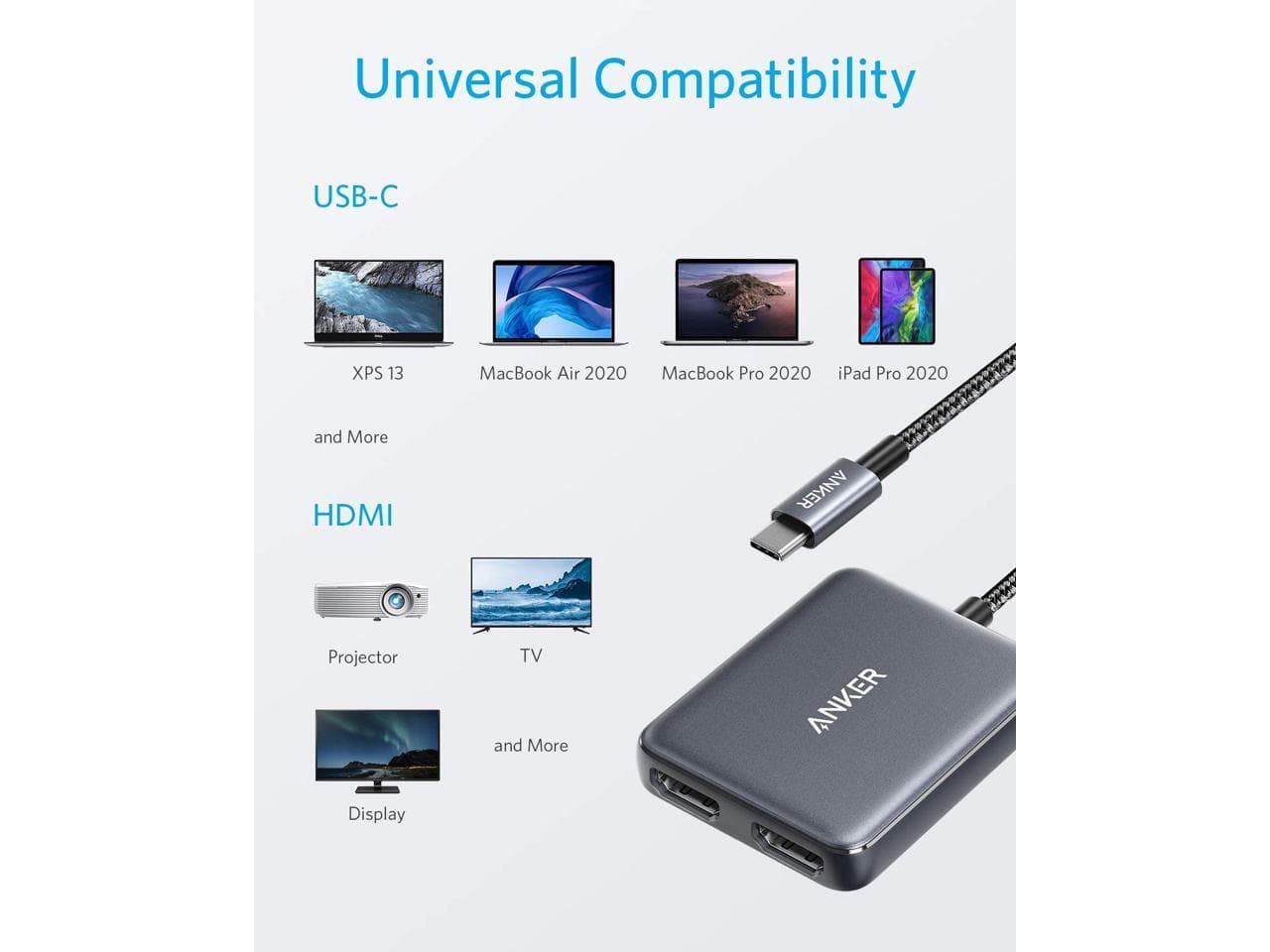
Anker's USB-C to HDMI Adapter stands out for delivering strong price-to-performance—reliable 4K-capable output in a compact, well-built package at a lower price than most Apple-branded adapters. It’s an excellent choice for cost-conscious users who want stable TV connectivity and often includes extras like a reinforced cable or aluminum housing, though it doesn’t carry Apple’s official branding or integrated multiport features. When maximizing value for simple Apple TV and television connections is the goal, Anker frequently offers the best budget-friendly tradeoff without sacrificing everyday compatibility.
£15 – £30
How Apple display adapters actually work
These adapters are not simple passive cables. USB-C to HDMI adapters rely on DisplayPort Alt Mode, a USB-C standard that lets the port carry a native display signal, which the adapter then converts to HDMI — so the maximum resolution and refresh rate you get depends on the host device, not only on the adapter. Apple's Lightning Digital AV Adapter works differently again: it contains a small chip that receives a compressed stream from the iPhone or iPad and re-renders it, which is why Apple rates it for mirroring up to 1080p rather than 4K. Both types respect HDCP, the copy-protection handshake required by paid streaming services, which is the usual explanation when a mirrored app shows a black screen. Adapters with a spare USB-C port support power delivery pass-through, letting the device charge while it drives the display.
USB-C to HDMI adapters need a host that supports DisplayPort Alt Mode; the host's capabilities cap the resolution and refresh rate, not just the adapter.
Apple's Lightning Digital AV Adapter is rated for mirroring up to 1080p, not 4K, because it re-renders a compressed stream rather than passing a native signal.
Power delivery pass-through on multiport adapters lets an iPhone, iPad or Mac charge while it is mirroring to the TV.
HDCP copy protection is enforced over these adapters, so some paid streaming apps will refuse to mirror even when the hardware works correctly.
The Apple TV 4K box has HDMI built in and needs only an HDMI cable — an adapter is required for the source device, not for the Apple TV itself.
Frequently Asked Questions
Which Apple adapter is best for connecting a Mac to a TV?
The Apple USB-C Digital AV Multiport Adapter is the most complete option, because it carries HDMI video, a USB-A port and USB-C power delivery on a single dongle, so a Mac can drive the TV and charge at the same time.
Does an Apple TV box need an adapter?
No. The Apple TV 4K set-top box has a full-size HDMI port built in, so it connects to a television with an ordinary HDMI cable. The adapters on this page are for sending video to a TV from a source device such as an iPhone, iPad or Mac.
Is the Apple Lightning Digital AV Adapter worth the price?
It is the officially supported way to mirror a Lightning iPhone or iPad to a TV, and it holds a 4.5 average user rating, but it is rated for mirroring up to 1080p rather than 4K and costs more than third-party alternatives. It is worth it mainly if you need Apple's own compatibility guarantee.
Can I charge my device while using the Lightning Digital AV Adapter?
Yes. The Apple Lightning Digital AV Adapter has a pass-through Lightning port, so you can plug in a charging cable while the adapter mirrors video and audio to your display.
Conclusion
Choosing between these comes down to which port your Apple device has. If it is a Lightning iPhone or iPad, the Apple Lightning Digital AV Adapter is the officially supported route, with charging pass-through and 1080p mirroring. If it is a USB-C Mac, iPad or iPhone and you want one dongle that handles HDMI, USB-A and charging together, the Apple USB-C Digital AV Multiport Adapter is the most complete option. If you only need HDMI and want to spend less, the Belkin and Anker USB-C to HDMI adapters both cover 4K at 60Hz on capable hosts, with Anker generally the cheapest of the group. And if you are shopping for an Apple TV box rather than a source device, you want a certified HDMI cable, not an adapter.