

Premium HDR Monitors for Video Editing in the UK: Recommendations 2026
For video editors and colourists working in the UK's thriving media production landscape, an HDR-capable monitor isn't merely a luxury—it's an essential investment that fundamentally transforms your creative workflow. The shift towards HDR content across streaming platforms, broadcasting, and digital cinema means that professional-standard colour grading and precise image evaluation have become non-negotiable. Whether you're working in a London post-production facility, running a freelance editing operation from home, or managing a regional broadcasting team, the right HDR monitor delivers the colour fidelity and dynamic range needed to produce broadcast-quality work with confidence. This guide examines five outstanding HDR monitors that are making waves amongst UK-based creatives, each offering distinct advantages for different production scenarios and budget considerations. We've prioritised monitors that balance exceptional colour accuracy, comprehensive HDR support, and practical build quality for the demanding schedules typical of professional video work.
Inception's AI took the time to understand this market in the UK · · How we pickWe may earn a commission on purchases. It never affects our rankings.
Top Picks Summary
BenQ SW272U 27-inch 4K HDR Monitor
The BenQ SW272U earns its place in the Top 5 HDR Video Editing Monitors in the UK, 2026 as the best value 27-inch 4K option for pro editors who need reliable colour accuracy and hardware calibration without the premium of flagship HDR panels. Compared with the ultra‑high‑end brightness and local dimming of the ASUS PA32UCG-K or the perfect blacks of LG’s OLED, the SW272U trades absolute peak HDR performance for an affordable, well‑rounded toolkit (wide DCI‑P3 coverage, LUT support) that suits freelance and small studio budgets. Its financial advantage and compact footprint make it ideal for UK creatives who want pro colour fidelity without the larger capital outlay of the market leader models.

Estimated£900 – £1,200
ASUS ProArt PA32UCG-K 32-inch 4K HDR Monitor
The ASUS ProArt PA32UCG-K is the market leader for HDR mastering in this 2026 UK roundup thanks to its 32‑inch mini‑LED backlight, extreme peak brightness and full‑array local dimming that deliver reference‑grade HDR performance for high-end colour grading. While it is the most expensive monitor on the list, its technical superiority in dynamic range and professional features (multiple HDR formats, hardware calibration and precision uniformity) justifies the premium for post houses and studios when compared with more affordable options like BenQ or the feature‑rich but lower‑peak Apple Studio Display. For video professionals in the UK who need uncompromising HDR fidelity, the ASUS is the investment that reduces rework and client review cycles.
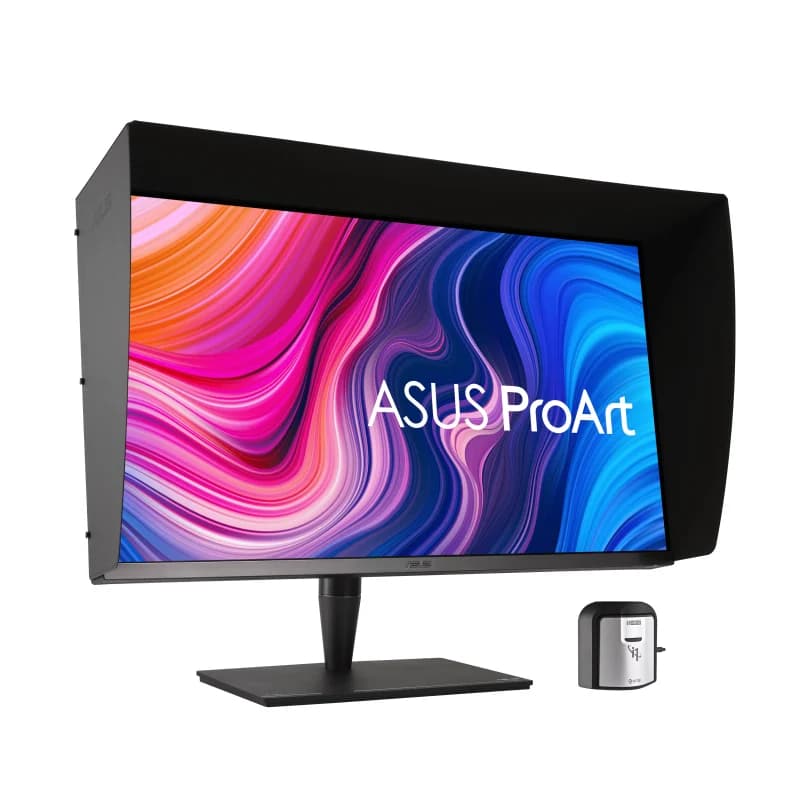
Estimated£7,000 – £9,500
Dell UltraSharp 32 4K USB-C Hub Monitor U3223QE
The Dell UltraSharp 32 4K USB-C Hub Monitor U3223QE stands out in the UK, 2026 list as the best all‑round productivity and connectivity choice for editors who also rely on a streamlined workstation setup. Its strong colour performance combined with an integrated USB‑C hub and ergonomic design gives it a technical and workflow advantage over similarly priced panels—offering more ports and workplace flexibility than the BenQ while costing considerably less than the ASUS ProArt high‑end HDR flagship. For hybrid studios and multi‑device editors, Dell’s balance of features and price delivers tangible time and cost savings in day‑to‑day operations.
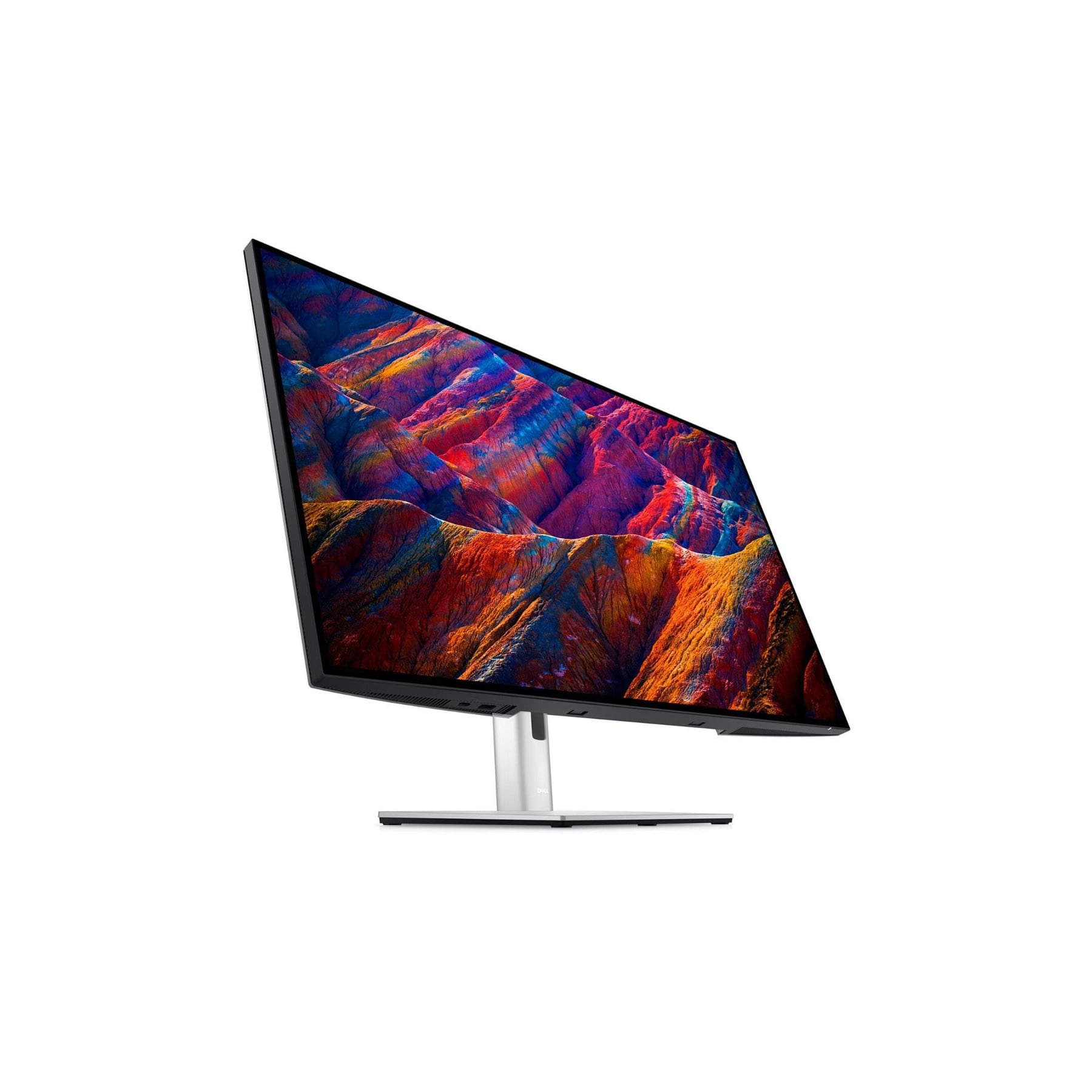
Estimated£700 – £1,050
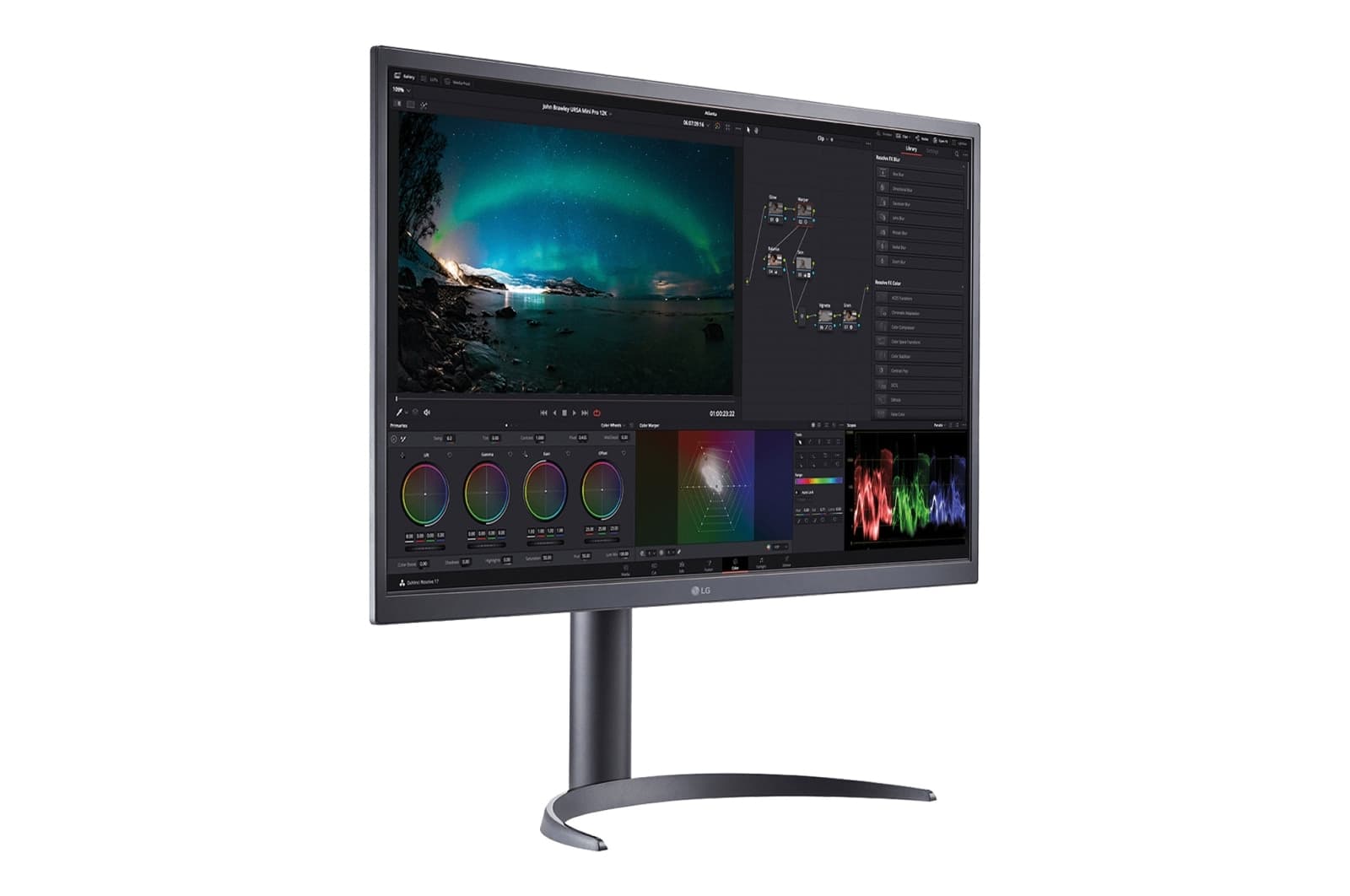
LG UltraFine 32EP950-B 31.5-inch 4K OLED Monitor
The LG UltraFine 32EP950‑B OLED is chosen for its unrivalled contrast and true blacks, making it a standout for creative grading tasks within the Top 5 HDR Video Editing Monitors in the UK, 2026. Its 31.5‑inch OLED panel gives colourists a perceptual advantage over mini‑LED and LCD alternatives—showing subtle shadow detail that can be missed on backlit displays—though it typically offers lower HDR peak nit levels than the ASUS ProArt and carries a higher burn‑in consideration. Technically, OLED’s perfect blacks and pixel‑level control make LG the preferred option when accurate shadow rendition and deep contrast are the priority.
We may earn a commission on purchases. It never affects our rankings.
£1,700.00GBP
Apple Studio Display 27-inch 5K Retina
The Apple Studio Display 27‑inch 5K Retina secures its place on the 2026 UK list for editors invested in the macOS ecosystem who prioritise resolution, seamless integration and excellent out‑of‑the‑box colour accuracy. While it doesn’t match the peak HDR brightness and professional HDR toolset of the ASUS or the wide dynamic advantages of OLED panels, its 5K resolution and native system integration with macOS workflows provide time savings and consistent colour across Apple‑centric pipelines—albeit at a premium price compared with similarly spec’d non‑Apple monitors. For creative professionals who value ecosystem efficiency and high pixel density over absolute HDR mastering capability, the Studio Display remains a compelling choice.

We may earn a commission on purchases. It never affects our rankings.
£1,499.00GBP£2,199.00
These monitors deliver exceptional colour accuracy spanning beyond standard colour spaces, comprehensive HDR support for current and emerging formats, and the robust construction required for continuous professional use. Each model includes factory calibration documentation and supports advanced colour management workflows essential for broadcast and streaming deliverables.
Understanding HDR Monitors for Professional Video Editing
HDR (High Dynamic Range) monitors represent a significant evolution in display technology, particularly for colour-critical work. Unlike standard monitors that display images using the Rec. 709 colour space, HDR monitors can reproduce the significantly expanded colour gamut and luminance range found in modern video content. This capability proves essential when grading content destined for HDR platforms such as Netflix, Amazon Prime Video, or broadcast television standards like ITU-R BT.2020. The increased peak brightness and wider colour palette allow editors to see precisely how their colour decisions will appear on end-user displays, eliminating guesswork and enabling confident delivery of HDR masters.
HDR monitors support wider colour gamuts (typically DCI-P3 and BT.2020) compared to standard sRGB displays
Peak brightness levels of 1000 nits or higher enable accurate representation of highlights in HDR content
10-bit colour depth provides smoother gradations and reduces banding in colour-graded material
Hardware calibration ensures consistent colour accuracy throughout extended editing sessions
Support for multiple HDR formats (HDR10, HLG, Dolby Vision) accommodates diverse project requirements
Proper display profiling integrates HDR monitors into colour-managed workflows with grading software
Investment in HDR monitoring protects your reputation when delivering content to demanding broadcasters and streaming platforms
Frequently Asked Questions
Which monitor should I buy for colour grading 4K?
For colour grading, the ASUS ProArt PA32UCG-K is best for high-end mastering thanks to its 32-inch 4K mini‑LED display with extensive full‑array local dimming, and it’s rated 4.7.
What HDR formats does the ASUS ProArt PA32UCG-K support?
The ASUS ProArt PA32UCG-K supports Dolby Vision, HDR10, and HLG, and it uses a professional 10-bit colour pipeline for mastering, with an average rating of 4.7.
Is the BenQ SW272U a better value than ASUS?
The provided data lists the BenQ SW272U as the best value 27-inch 4K option for pro editors, but it does not include any exact prices, so I can’t compare cost versus the ASUS ProArt PA32UCG-K.
Does the Dell U3223QE work well with laptop editing setups?
Yes—the Dell UltraSharp U3223QE includes an integrated USB‑C hub with power delivery and multiple downstream ports, plus ergonomic and KVM features, and it has a 4.3 average rating.
Conclusion
Selecting an appropriate HDR video editing monitor represents a significant commitment to your creative toolkit, and the choice needn't be overwhelming when you understand what genuinely matters for your specific workflows. The five monitors featured here represent the current pinnacle of colour-critical display technology available to UK creatives, each excelling in particular areas whilst maintaining the fundamental standards required for professional-grade video production. Consider your working environment—whether natural light plays a role, how much desk space you have, and whether you need to integrate with existing colour-critical equipment. Beyond the monitor itself, remember that proper calibration, suitable room lighting, and familiarity with your display's specific characteristics will maximise your investment's value. Should you require further guidance on colour management practices, calibration procedures, or how specific monitors integrate with your particular editing software, our detailed reviews and technical specifications are here to support your decision-making process.